
The KoiArt blog
Snow on your Mac, Christmas on your desktop, and weather that matches the sky outside. Short guides, straight answers.
Christmas on your Mac: Santa, gifts, snowmen and a tree you decorate yourself
Turn your Mac into a Christmas desktop. Santa drives along the Dock and leaves a gift a day, you grow and decorate a Christmas tree, build snowmen and hide them from the Yeti.
Read →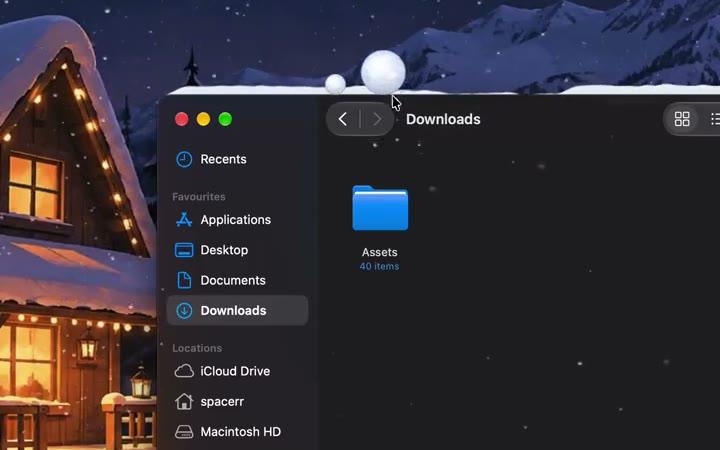
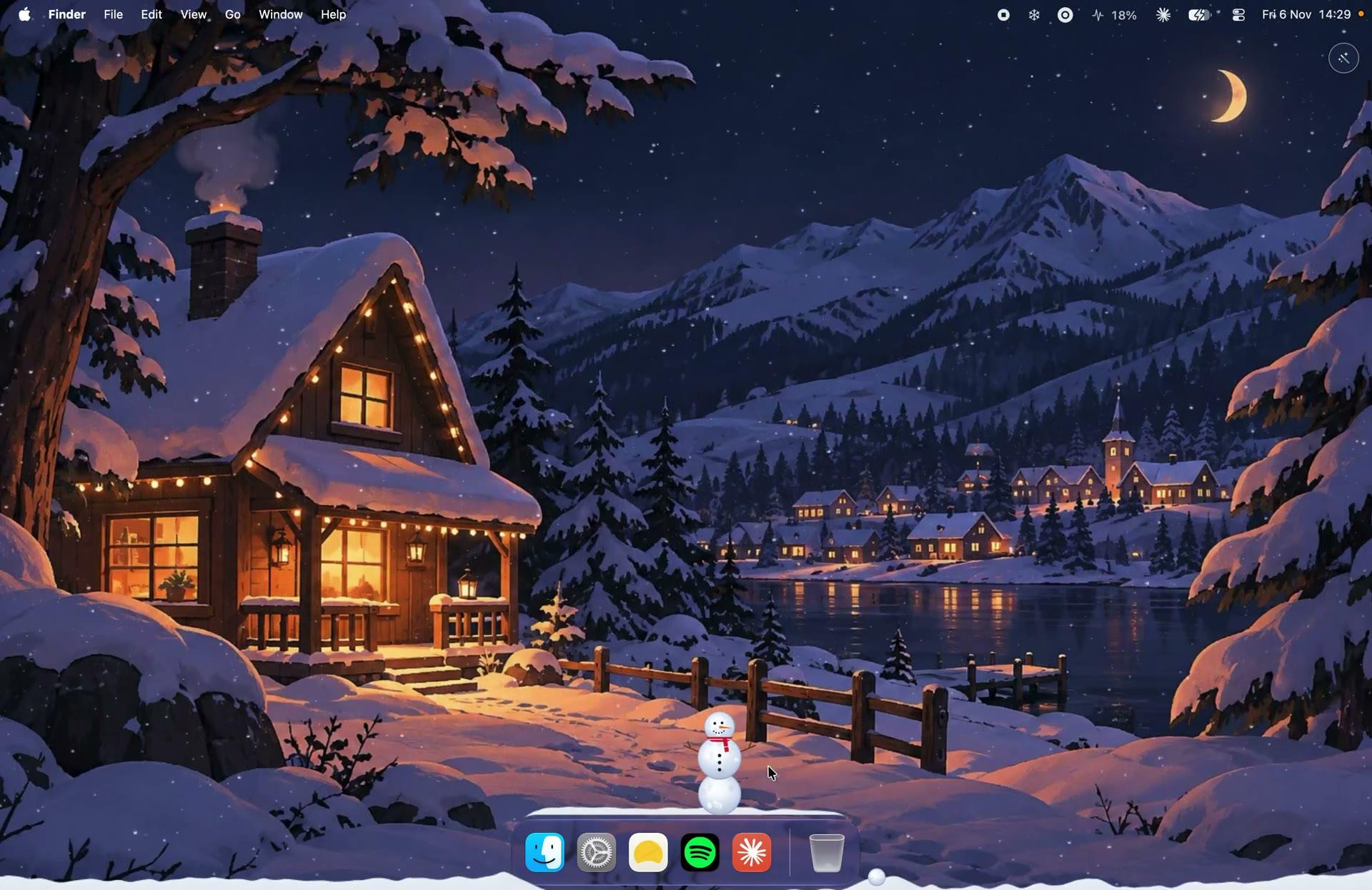
How to make it snow on your Mac desktop (snow that piles up on your windows)
Make real-looking snow fall on your Mac desktop, pile up on your windows and the Dock, and slide off when you drag a window. Takes a minute.
Read →
Santa on your Mac: he rides along the Dock and leaves a gift every day
Santa and his reindeer ride along your Mac's Dock every few hours and drop one gift a day with a quote inside. How it works and how to send him yourself.
Read →
How to put a Christmas tree on your Mac desktop and decorate it
Grow a Christmas tree right on your Mac desktop, pick its size, put a star on top and hang lights, baubles and candy canes. Up to three trees.
Read →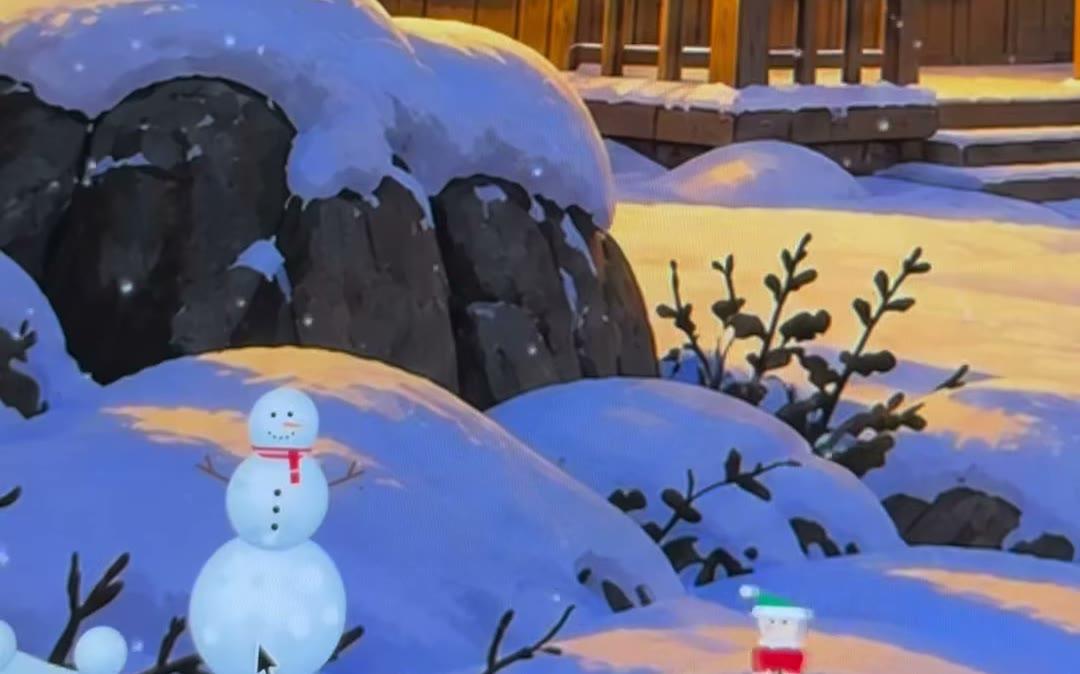
How to build a snowman on your Mac desktop (and save it from the Yeti)
Roll snowballs with your pointer, stack three into a snowman, throw snowballs, watch snowmen fight and drag yours away before the Yeti gets it.
Read →
Dress up a snowman on your Mac: hats, faces, scarves and more
Build a snowman on your Mac desktop and dress it up: a top hat or a crown, a face, mittens, a scarf or a tuxedo. Santa brings a new item every day.
Read →A snowball fight on your Mac desktop: roll, throw and hit the Yeti
Roll snowballs with your pointer and throw them across your Mac desktop. Watch two snowmen fight, and hit the Yeti before it gets your snowman.
Read →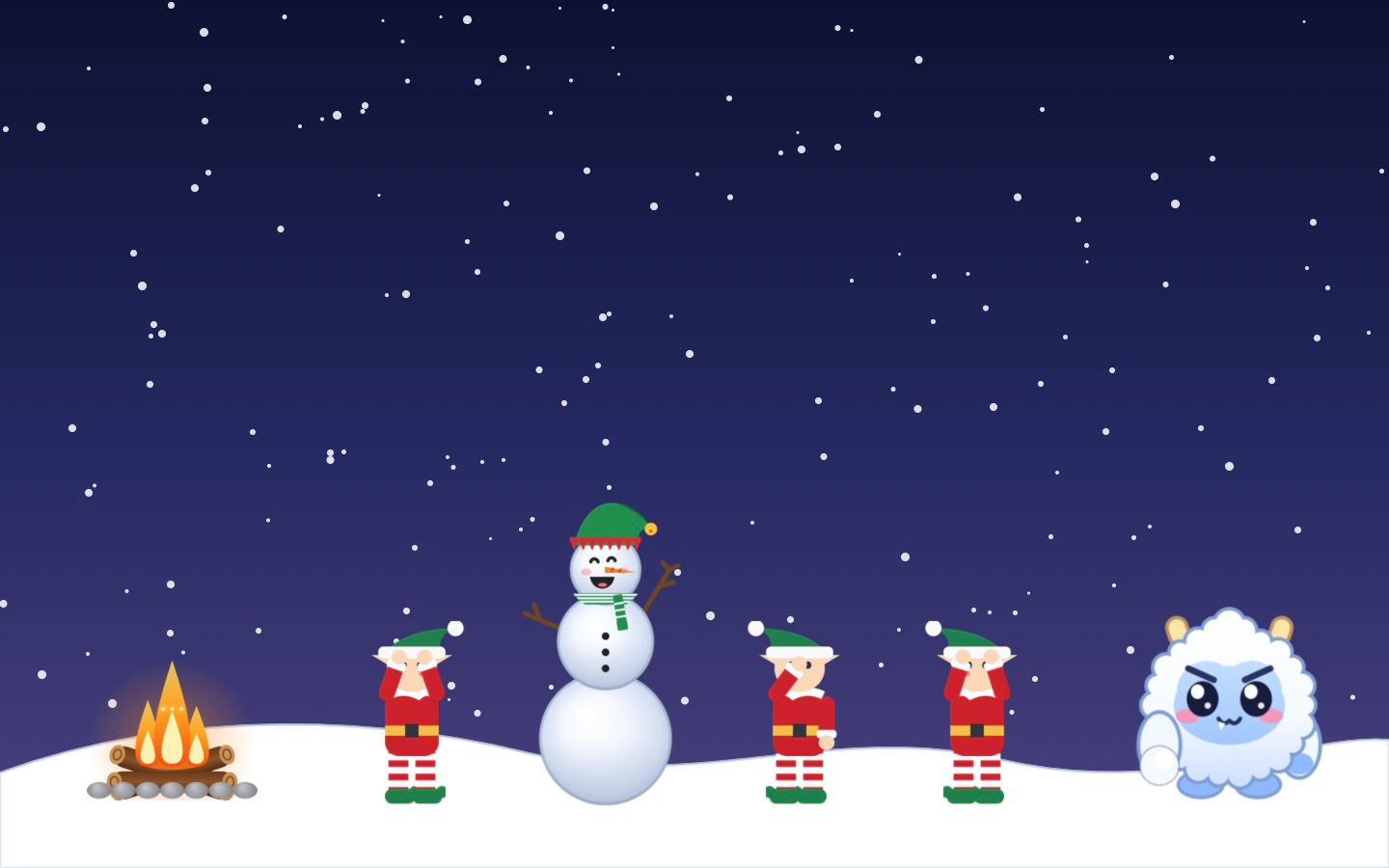
Christmas elves on your Mac: they pop out of the snow and build you a snowman
Little Christmas elves pop out of the snow on your Mac, roll three snowballs and build you a snowman. Sometimes the Yeti runs in, and the elves chase it away.
Read →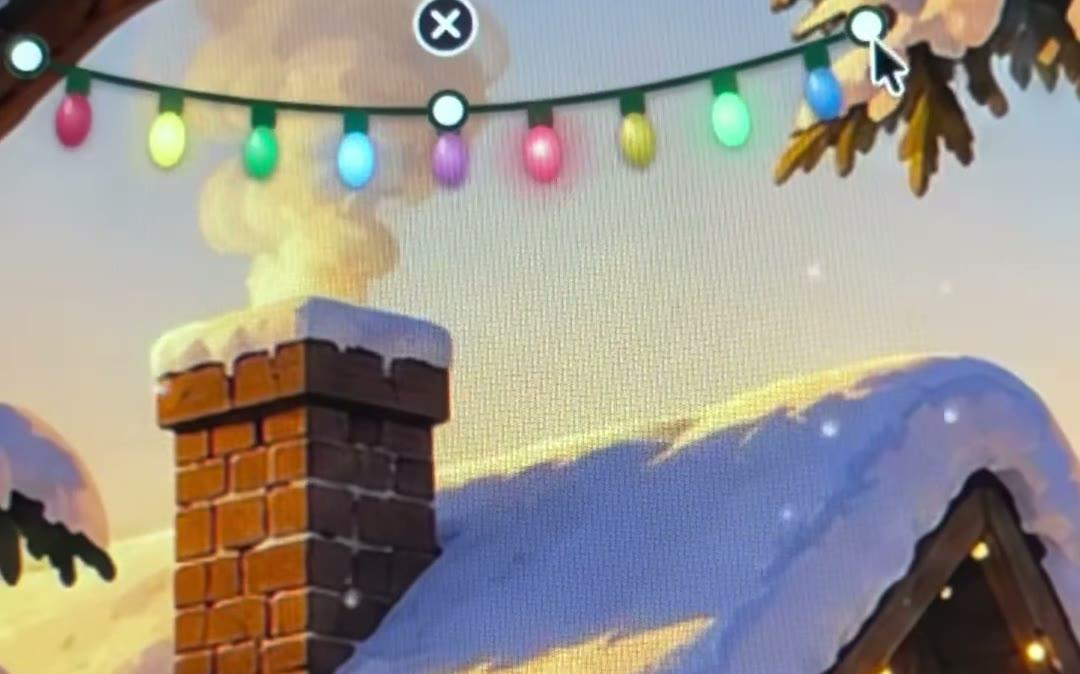
How to put Christmas lights on your Mac desktop
Hang blinking Christmas lights on your Mac desktop. Stretch them, make them droop, tilt them and hang as many strings as you like. Takes a minute.
Read →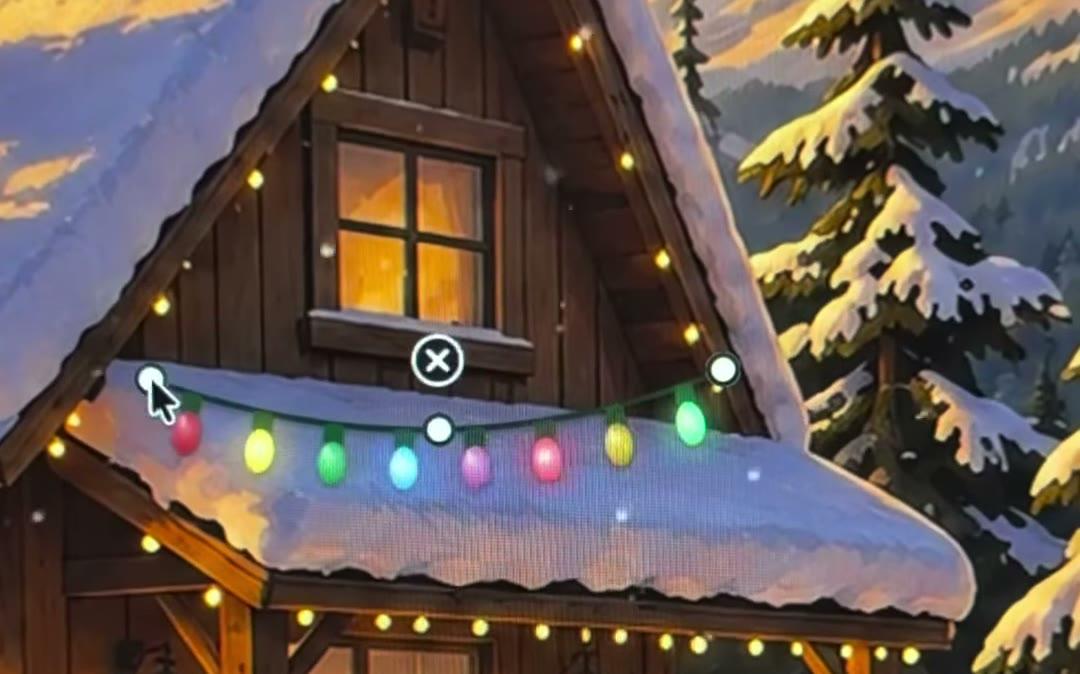
Christmas decorations for your Mac desktop: wreath, stockings, candles and more
Deck your Mac desktop with a wreath, stockings, candles, baubles, a snow globe and more. Drag them anywhere, resize them, turn them. They stay behind your windows.
Read →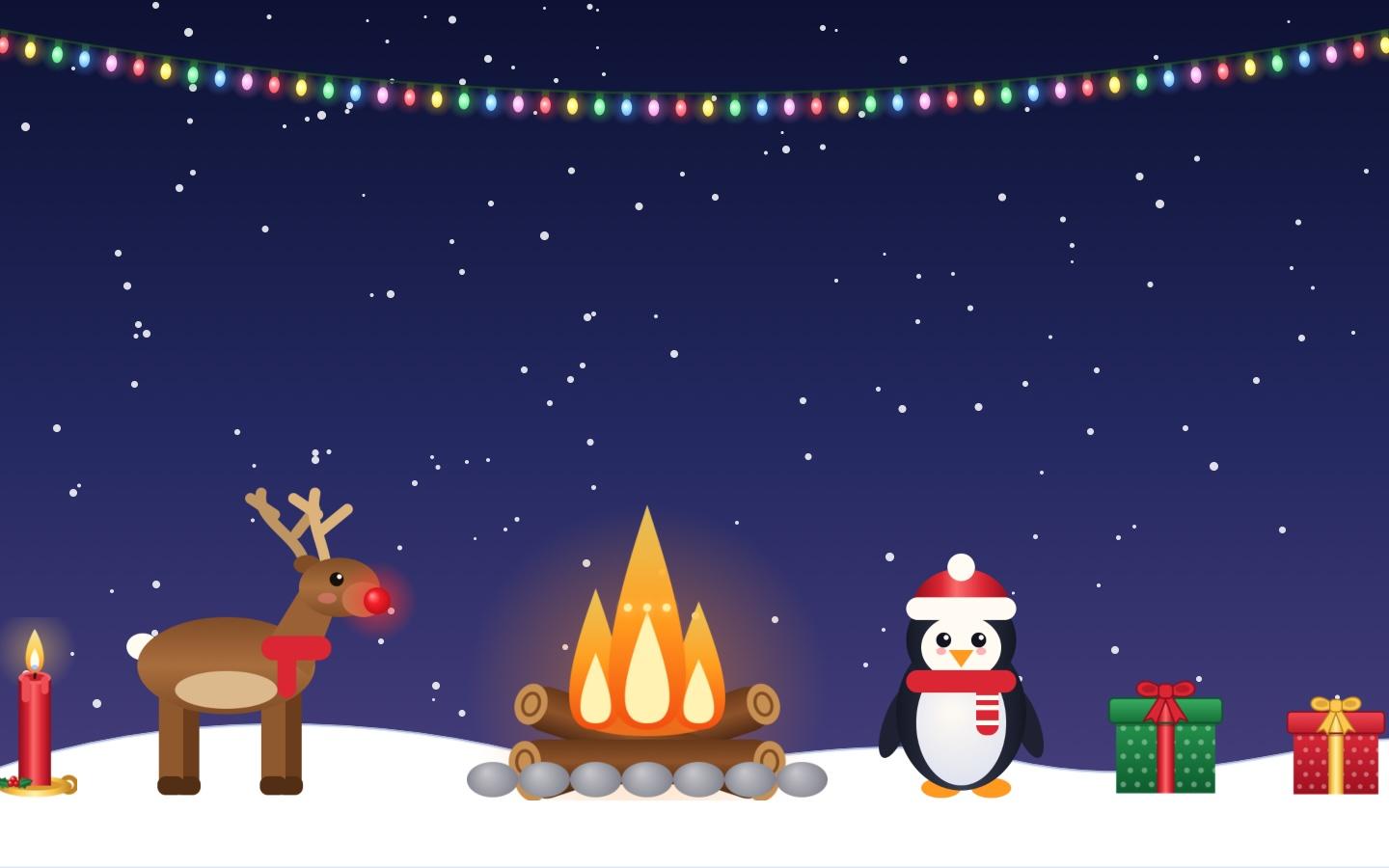
A cozy fireplace on your Mac desktop: a crackling campfire for Christmas
Put a crackling campfire on your Mac desktop this Christmas. Flickering flames, a warm glow and rising sparks, with a reindeer, a penguin and falling snow around it.
Read →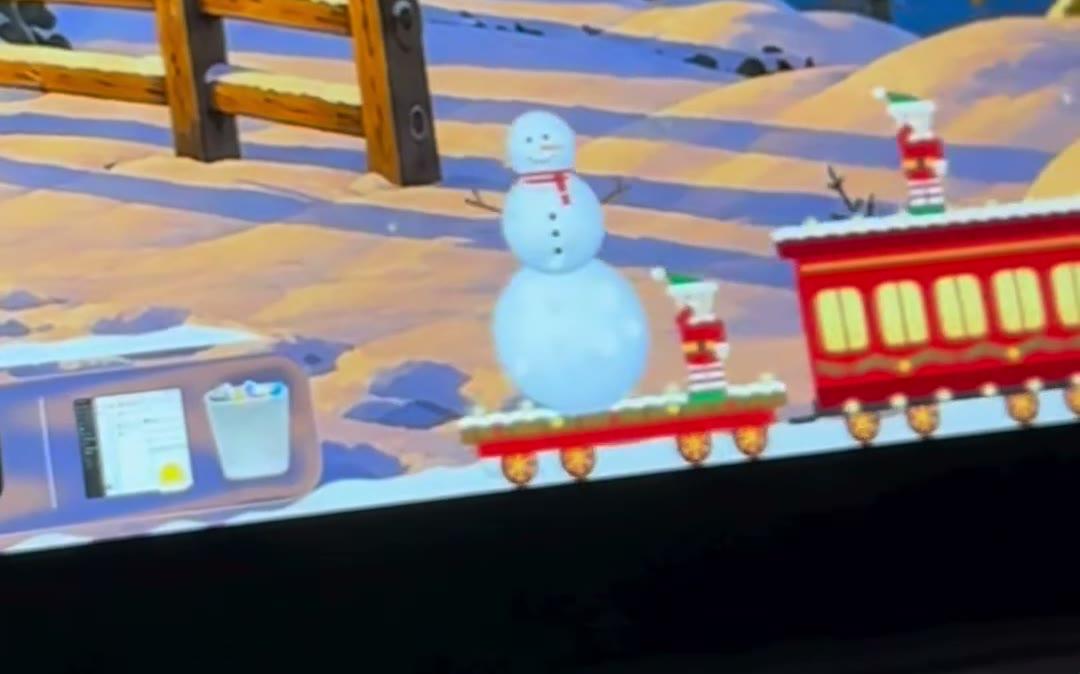
Send a Christmas surprise to a friend's Mac: a snowman, a tree or a note by train
A virtual Christmas gift that shows up on their desktop: build a snowman or a tree, and a little train with an elf delivers it to your friend's or partner's Mac.
Read →A Christmas train on your Mac desktop: a little toy train that comes by in the snow
A little Christmas train rolls along the bottom of your Mac's screen while it snows. Send it now, let it come by on its own, or use it to send gifts.
Read →
A digital advent calendar on your Mac: Santa brings a gift every day
Looking for a digital advent calendar? On your Mac, Santa rides by and leaves one gift a day: a quote, plus a new item for your snowman or tree.
Read →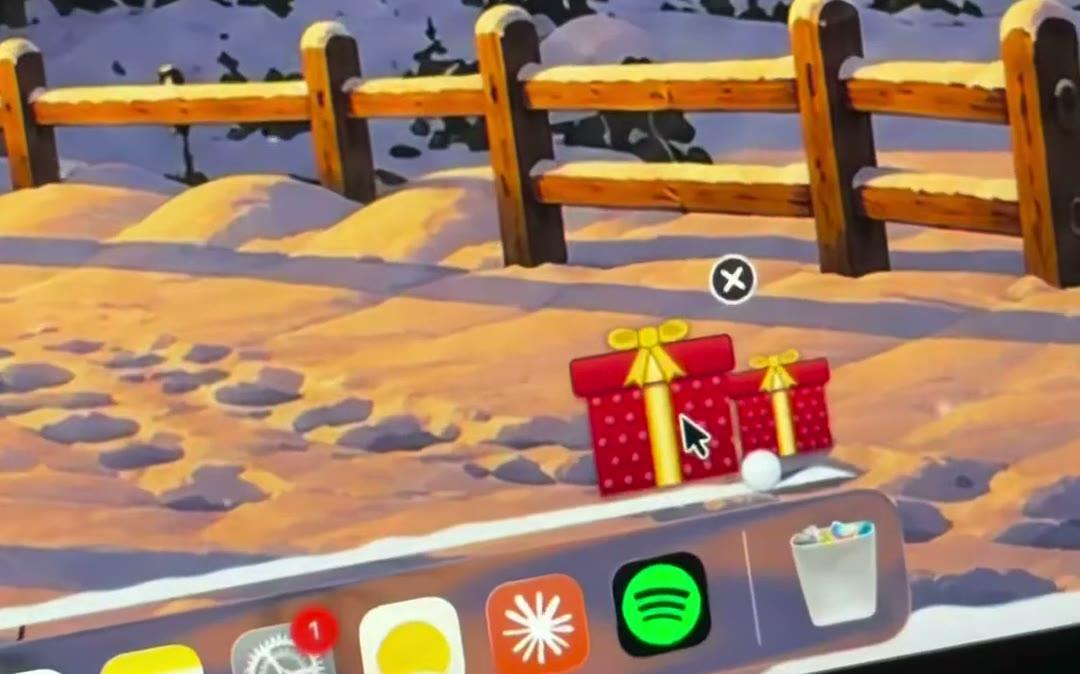
12 Christmas desktop ideas for your Mac
Twelve ways to make your Mac feel like Christmas: snow on your windows, a decorated tree, Santa's daily gift, a snowman army, a blizzard and more.
Read →
Christmas fun on the Mac for kids: build snowmen, wait for Santa, beat the Yeti
A cozy Christmas activity for kids on the family Mac: roll snowballs, build and dress snowmen, open Santa's daily gift and save the snowmen from the Yeti. No ads.
Read →
The best snow apps for Mac in 2026, compared honestly
KoiArt, Festivitas, Snowy, Let It Snow and Virtual Snow side by side. Which Mac snow app to pick for snow on your windows, holiday lights or a quiet desktop.
Read →
KoiArt vs Festivitas: which Christmas app for your Mac?
KoiArt and Festivitas both bring Christmas to your Mac. Lights or snow you can play with? An honest look at what each one does best.
Read →
Winter and Christmas wallpapers for Mac that change from day to night
Painted winter wallpapers for your Mac that move from dawn to sunset to night with the clock, with snow falling on top. Set them on every screen in one click.
Read →
Animated Christmas wallpaper for Mac, with snow that really falls
Want a live, moving Christmas wallpaper on your Mac? Put a painted winter scene behind real falling snow that piles up on your windows. No video loop.
Read →
Christmas wallpaper for ultrawide and dual monitors on Mac
A winter Christmas wallpaper that stays sharp on ultrawide and multiple monitors, set on every screen in one click, with snow falling on the screens you pick.
Read →
Northern lights Christmas wallpaper for Mac that changes through the day
A painted Christmas wallpaper for Mac: Santa's sleigh under the northern lights, from dawn to night, with something new at each time of day. Sharp on ultrawide.
Read →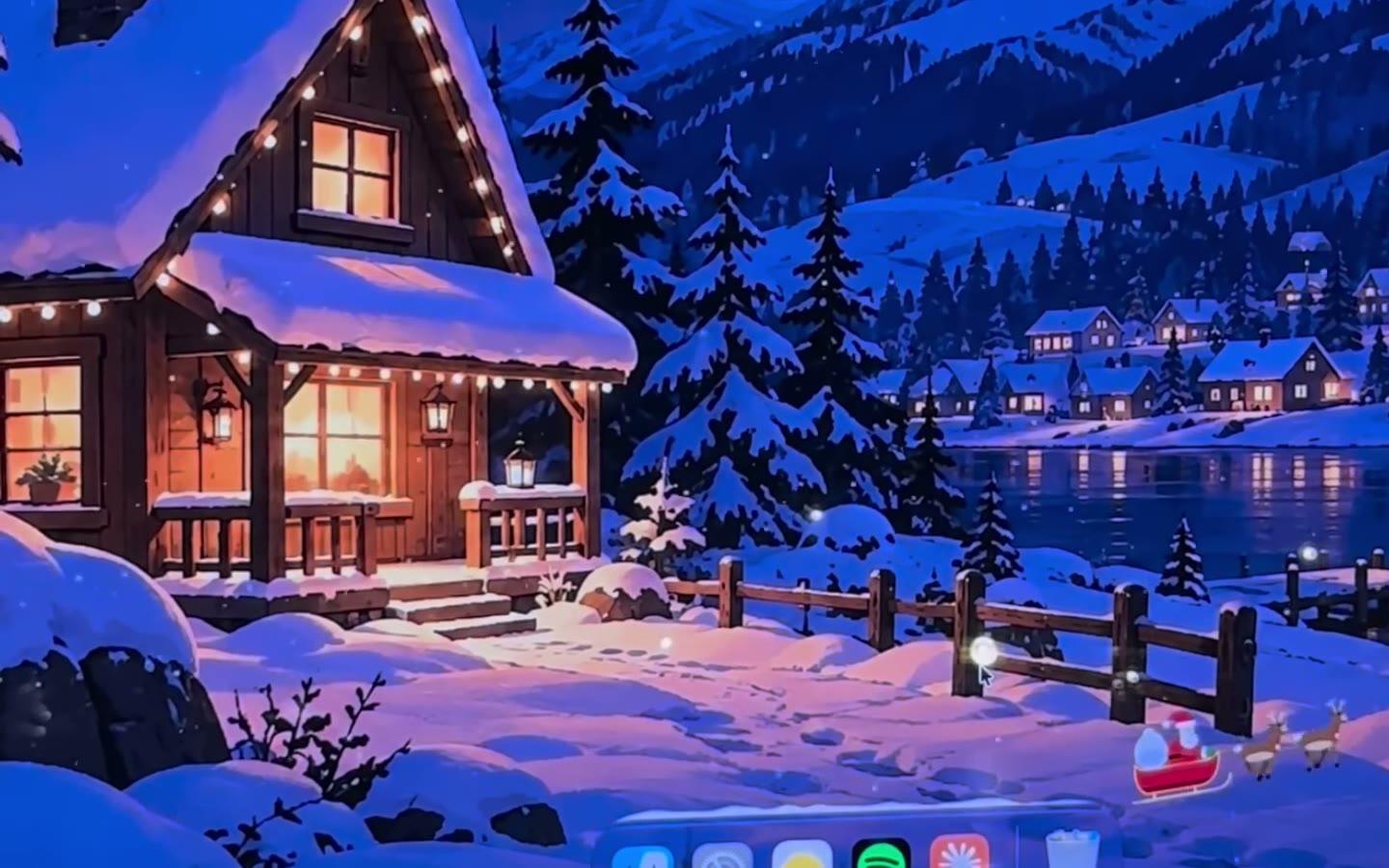
Christmas screensaver for Mac with heavy falling snow
A Christmas screensaver for Mac: pick one of four painted Christmas pictures, and heavy snow falls over it on every screen when your Mac sits idle.
Read →
How to make a cozy winter Mac desktop
A step-by-step cozy winter setup for your Mac: a snowy night wallpaper, gentle snow, a decorated tree and a little wind. Takes five minutes.
Read →
A blizzard on your Mac: Heavy snow and strong wind
Turn your Mac desktop into a snowstorm with Heavy snow and strong wind. How to set it up, and how the snowplough keeps up.
Read →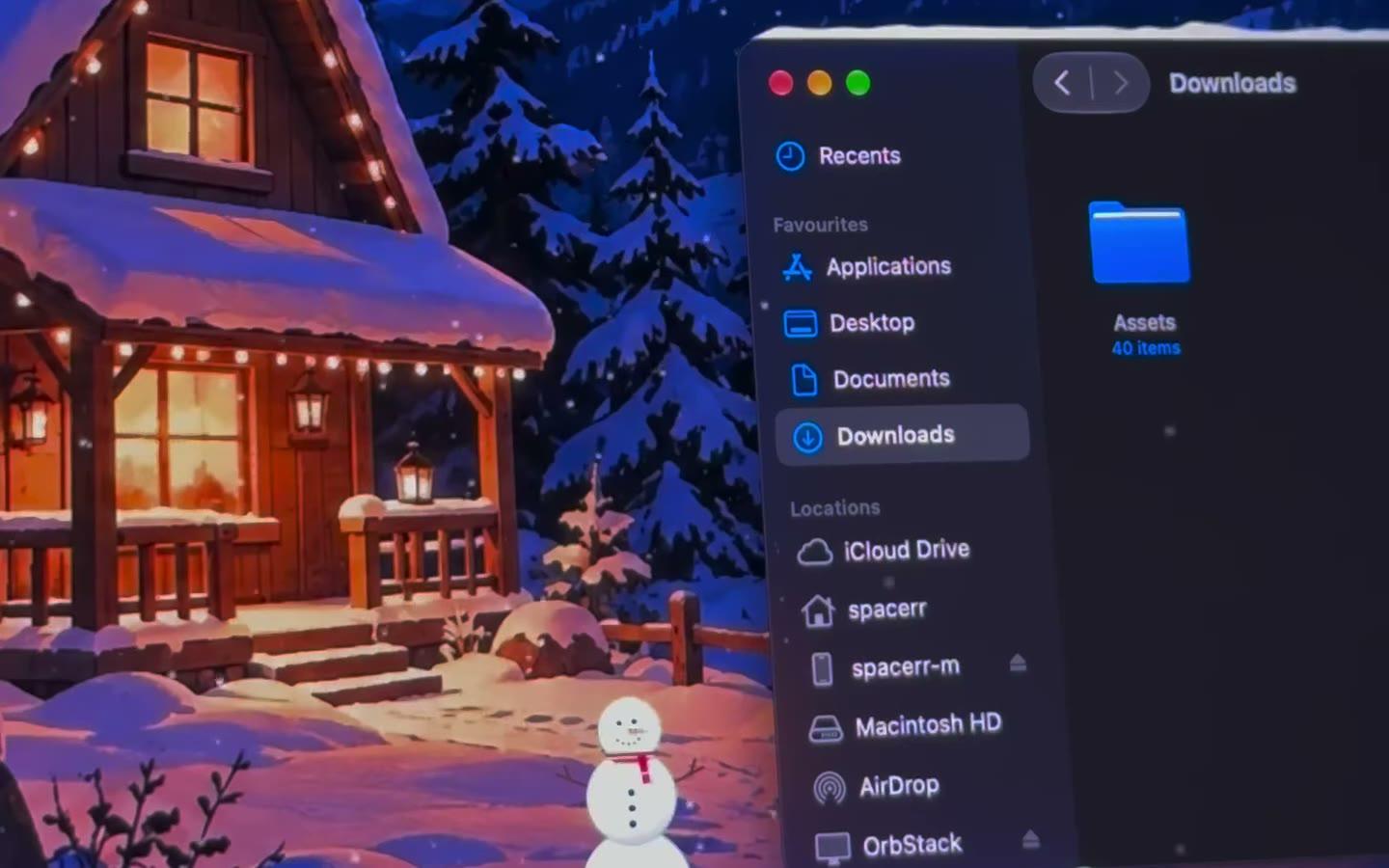
Let it snow on your screen: the trick that snows on your whole Mac, not one web page
Typed 'let it snow' to see snow on your screen? Browser tricks only snow inside one page. Here's how to make it snow on your whole Mac, on every window and the Dock.
Read →
Snow on your Mac's Dock, and the tiny snowplough that clears it
Let snow pile up on your Mac Dock, then watch a tiny snowplough clear it. How to allow it, how Plough the Dock works and how to send the plough yourself.
Read →
Snow only on your Mac wallpaper, behind your windows
Keep falling snow on your Mac's wallpaper and out of the way of your apps. How Behind windows and Keep windows clear work, and how to pick screens.
Read →
Snow on your MacBook without draining the battery
Falling snow on a MacBook screen that's easy on battery: KoiArt halves effects on battery and in Low Power Mode, and Pause on battery stops them unplugged.
Read →
Do snow and weather effects slow down your Mac or drain the battery?
What desktop snow and weather effects cost your Mac in speed and battery, and how KoiArt keeps it light: graphics chip, battery mode, full-screen pause.
Read →
Do desktop snow effects slow down games on a Mac?
Will snow or weather on your Mac desktop cost you frames in games? How KoiArt pauses while you play, how much it uses, and a few tips for gaming on a Mac.
Read →
Put real weather on your Mac desktop: rain, sakura, leaves, fireflies and starfall
Make your Mac desktop match the weather outside, or pick rain, cherry blossom, autumn leaves, fireflies or shooting stars that land on your windows.
Read →
My Mac has weather now: snow, rain and sakura that land on your windows
Your Mac has weather now. KoiArt makes it snow, rain or drop cherry blossom right on your desktop, landing on your windows, and it can copy the sky outside.
Read →
Make your Mac desktop match the weather outside
A Mac desktop that copies the sky where you are: snow when it snows, rain when it rains. How Match my weather works, how often it checks and what it uses.
Read →
Dynamic wallpapers for Mac that change with the time of day
Painted Mac wallpapers that move from dawn to sunset to night with the clock, on every screen. How KoiArt's Day & night works and how to set it.
Read →
Rain on your Mac screen: drops that splash on your windows
Make rain fall on your Mac desktop, with drops that splash on your windows, or a thunderstorm with lightning now and then. A calm rainy-day desk in one click.
Read →
Cherry blossom falling on your Mac desktop
Make sakura petals drift down your Mac screen and rest on your windows, with a painted Spring wallpaper behind. How to set it up in a minute.
Read →
Autumn leaves falling on your Mac desktop, that you can sweep
Falling autumn leaves for your Mac that pile up on your windows and scatter when you brush past with your pointer, plus a painted Autumn wallpaper.
Read →
Fireflies on your Mac desktop that come to your pointer
Soft glowing fireflies that drift around your Mac desktop and gather where your pointer rests. A calm, cozy screen for late nights.
Read →
Shooting stars on your Mac desktop: make a wish
Shooting stars that streak across your Mac screen and burst into sparks on your windows. Starfall, a painted Stars wallpaper and how to set it up.
Read →