
A cozy fireplace on your Mac desktop: a crackling campfire for Christmas
Short answer
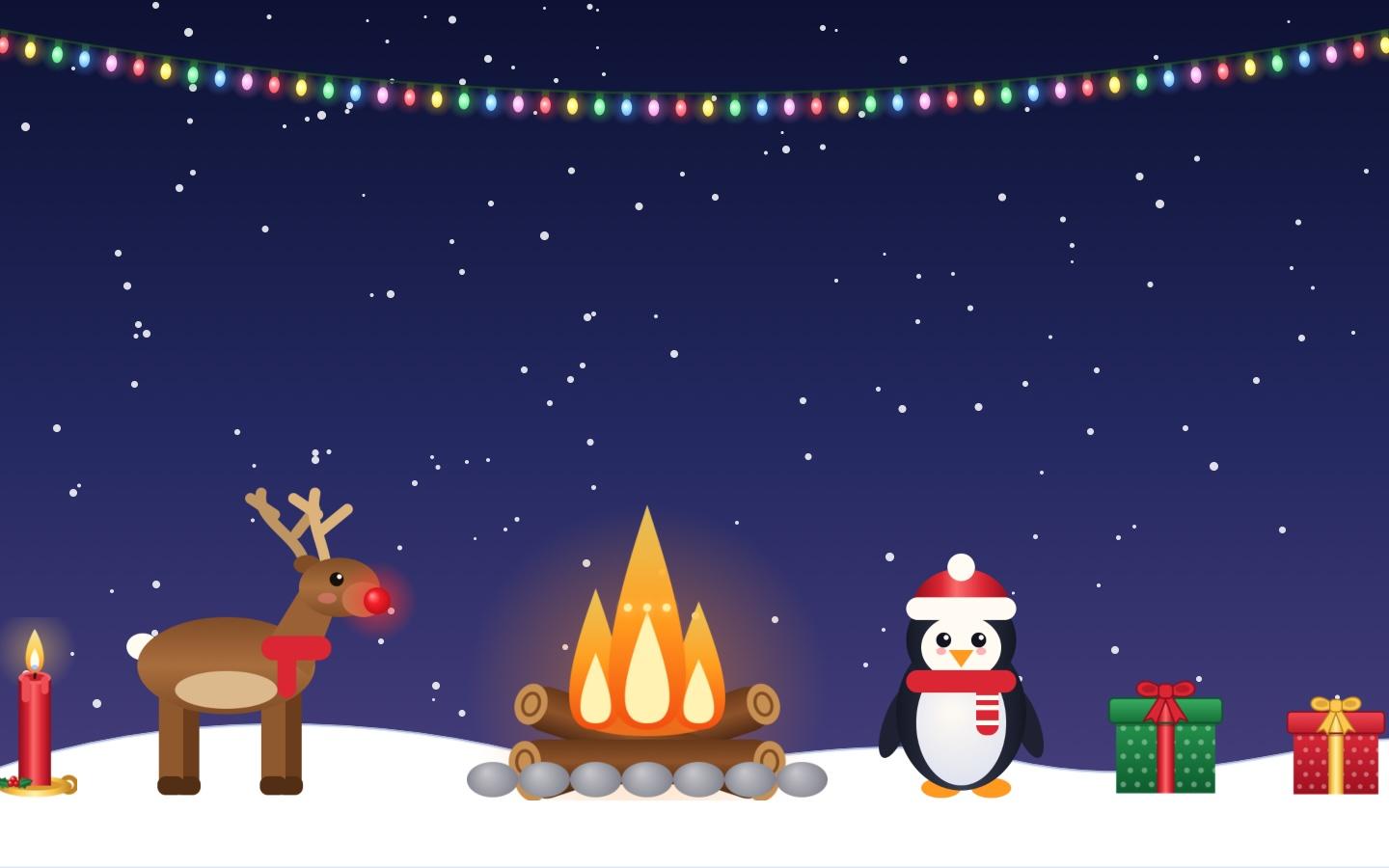
In KoiArt, click the snowflake in the menu bar, then Decorate, then Campfire. A crackling campfire with flickering flames, a warm glow and rising sparks lands on your desktop. Drag it anywhere, pull its corner to make it bigger, and add a reindeer with a glowing red nose, a penguin and candles around it. Turn on Snow and it snows over your fire.
How to put the fire on your desktop
- Click the snowflake in the menu bar at the top of your screen.
- Click Decorate.
- Pick Campfire. It lands on your desktop, behind your windows.
- Drag it to where you want it, like a corner of your screen or just above the Dock.
- Pull a corner to make it bigger or smaller, and use the round arrow to tilt it.
What the fire does
Three flames flicker on their own, each at its own pace, so it never looks like a loop. The fire glows warm orange around the logs, and little sparks float up and fade. It sits on a ring of stones, on top of crossed logs.
It's a decoration, so it stays behind your windows and never gets in the way of your clicks. Press × on it to take it down.
Make it a cozy winter scene
- Turn on Snow so it falls over the fire and piles up on your windows and Dock.
- Add the reindeer. Its red nose glows, so it looks great next to the fire.
- Add a penguin in a Santa hat, a red or green gift, a candle and a mug of cocoa.
- Hang a string of Christmas lights across the top of your screen.
- Pick a winter wallpaper, like the snowy village at night. More ideas in a cozy winter Mac desktop.
Fireplace screensaver or desktop fire?
A fireplace video only plays when you're away, and it takes over your whole screen. The KoiArt campfire stays on your desktop while you work, small and quiet, next to your apps. If you want something for when you step away, KoiArt also has a Christmas screen saver with heavy snow.
Does it slow down my Mac?
No. The flames are a few small pictures that move, drawn by your Mac's graphics chip. Even with snow falling and 30 decorations up, KoiArt stays light. More in do snow effects slow down your Mac.
Questions people ask
Does the fire make a sound?
No, it's silent. It won't play over your music or calls.
Can I put more than one fire?
Yes. Add as many as you like, up to 30 decorations in all.
Does it stay after a restart?
Yes. KoiArt remembers where each decoration is, how big it is and how it's turned.
Is there a fireplace for Mac built in?
No. macOS has no fireplace or Christmas decorations of its own.
How much is it?
$9 once for 1 computer, or $12 for 5 computers, Mac or PC. No subscription.