
Snow.
Piles up on your windows.
Settles on window tops and the Dock. Drag a window and it slides off.

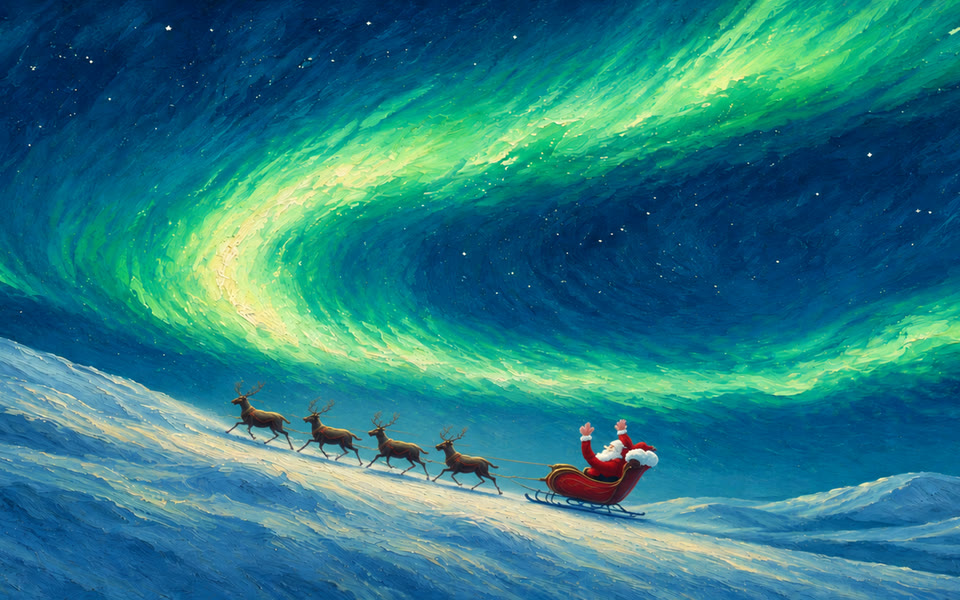
Snow on every window, snowmen on your desktop, Santa riding by, a little train that delivers gifts to your friends, and a Yeti who wants your snowman.
Buy once use forever
Recorded on a real Mac. Snow piles up on your windows, and when you drag one, it slides right off.
Grow up to three Christmas trees and hang baubles, lights and candy canes on them, with a star on top. Roll snowmen and put them on your windows. It all stays where you leave it.
Build a snowman or a tree, click it, and a little train with an elf carries it to your friend's desktop. Or just send a note. Invite friends from the Friends tab and they get 20% off.
Settles on window tops and the Dock. Drag a window and it slides off.
Autumn leaves pile up and scatter as you brush past.
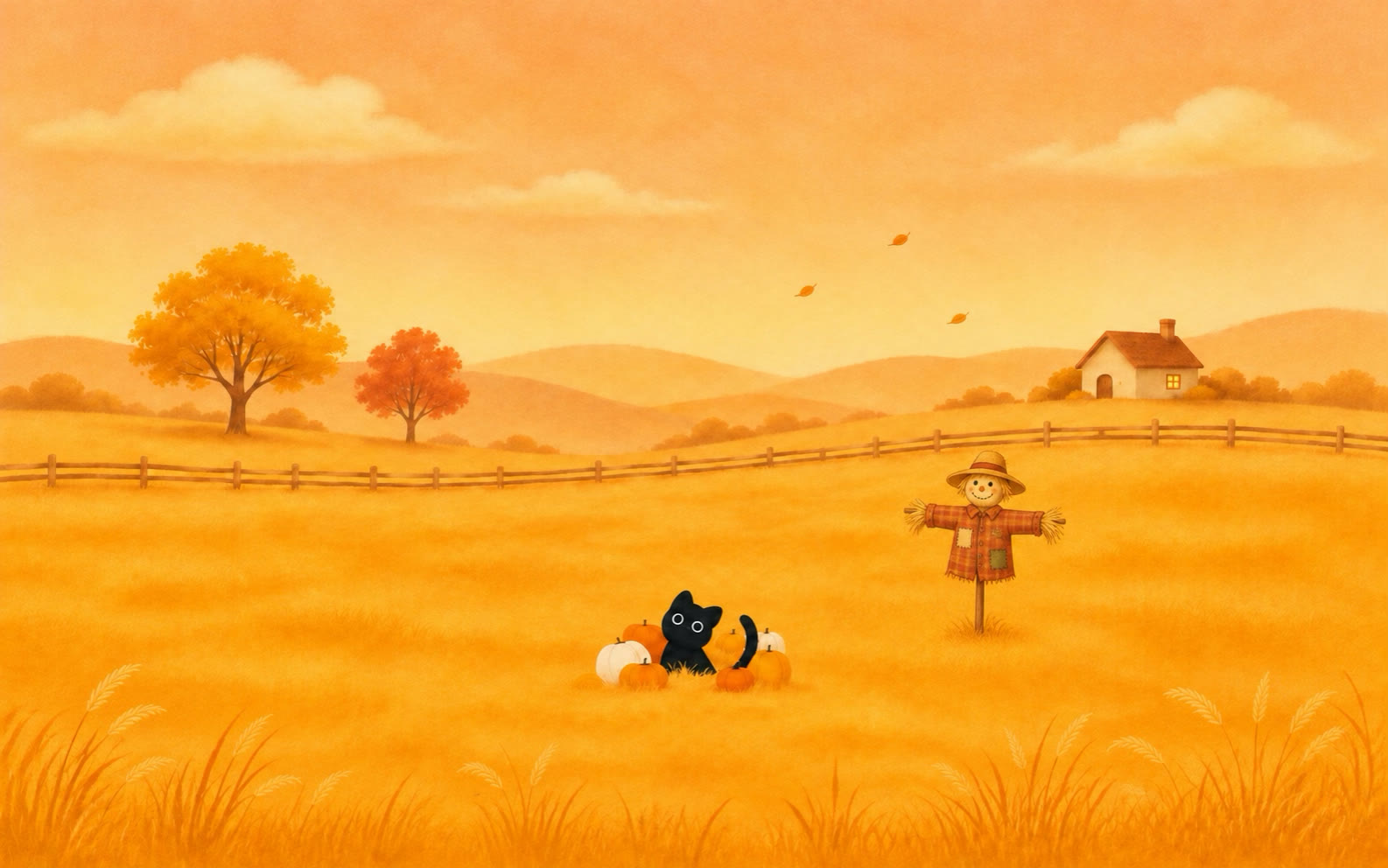
Meteors streak across and break into sparks on your windows.
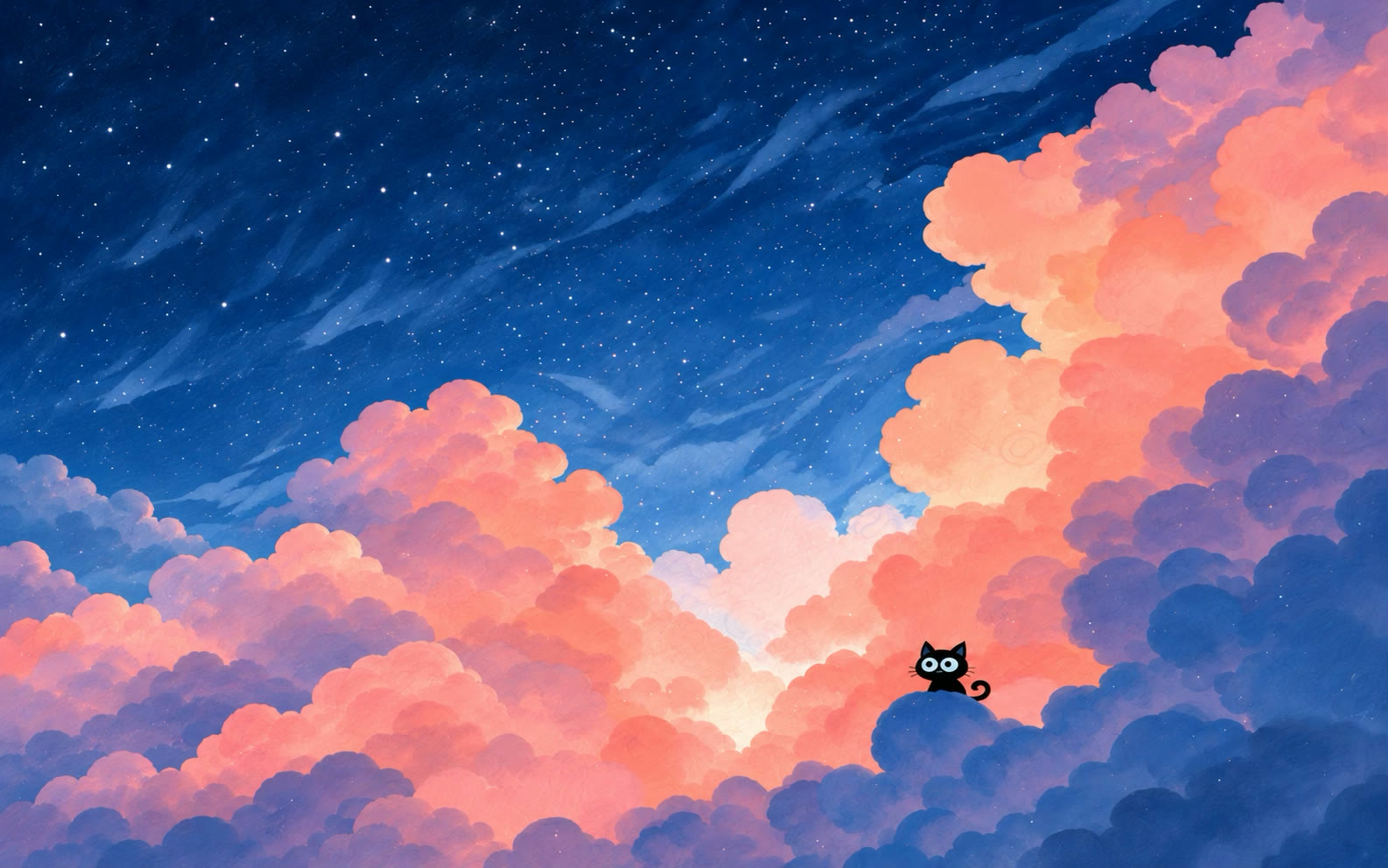
Drops splash on your windows, with lightning now and then.
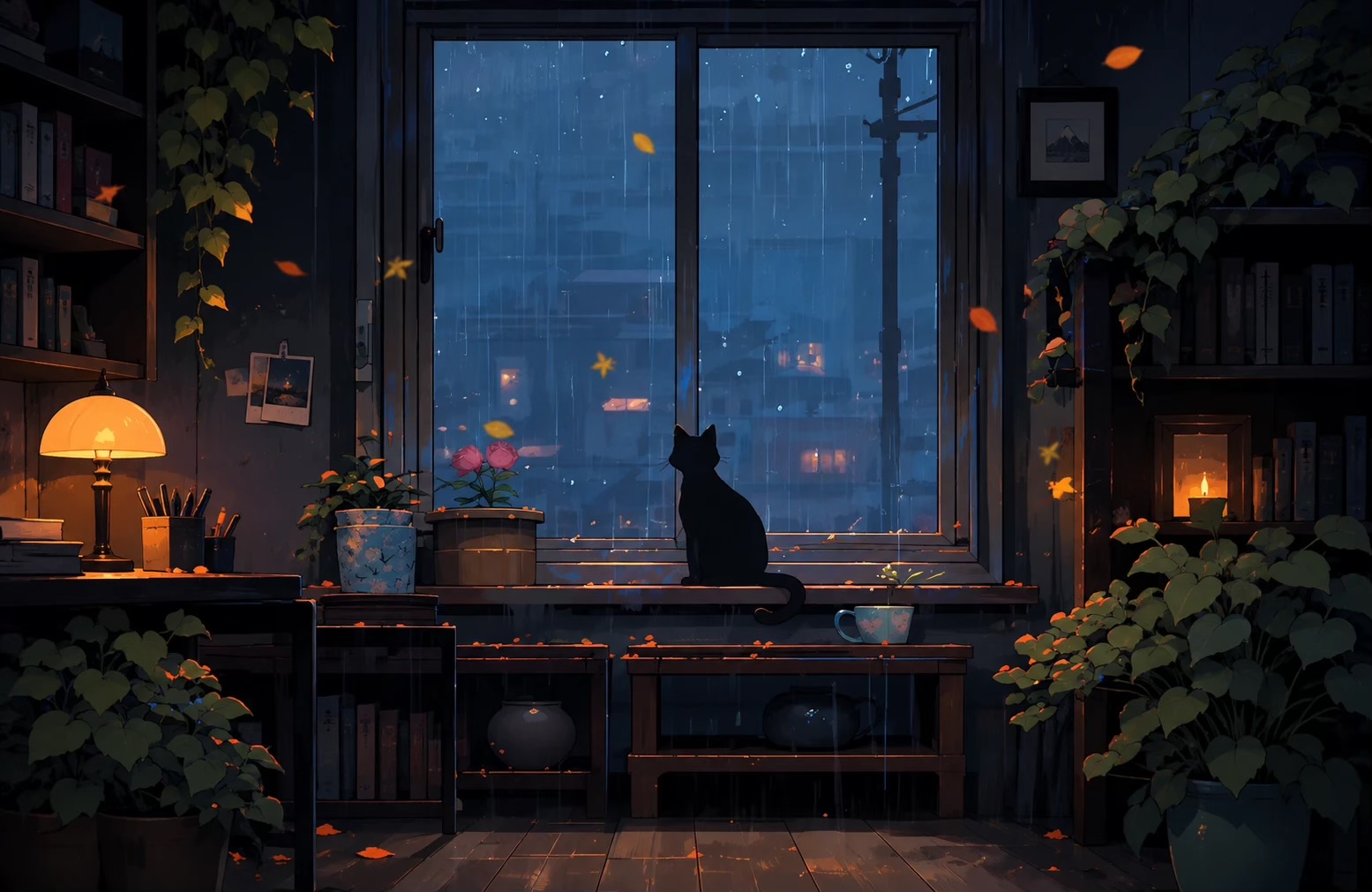
Cherry blossom drifts down and rests on your windows.
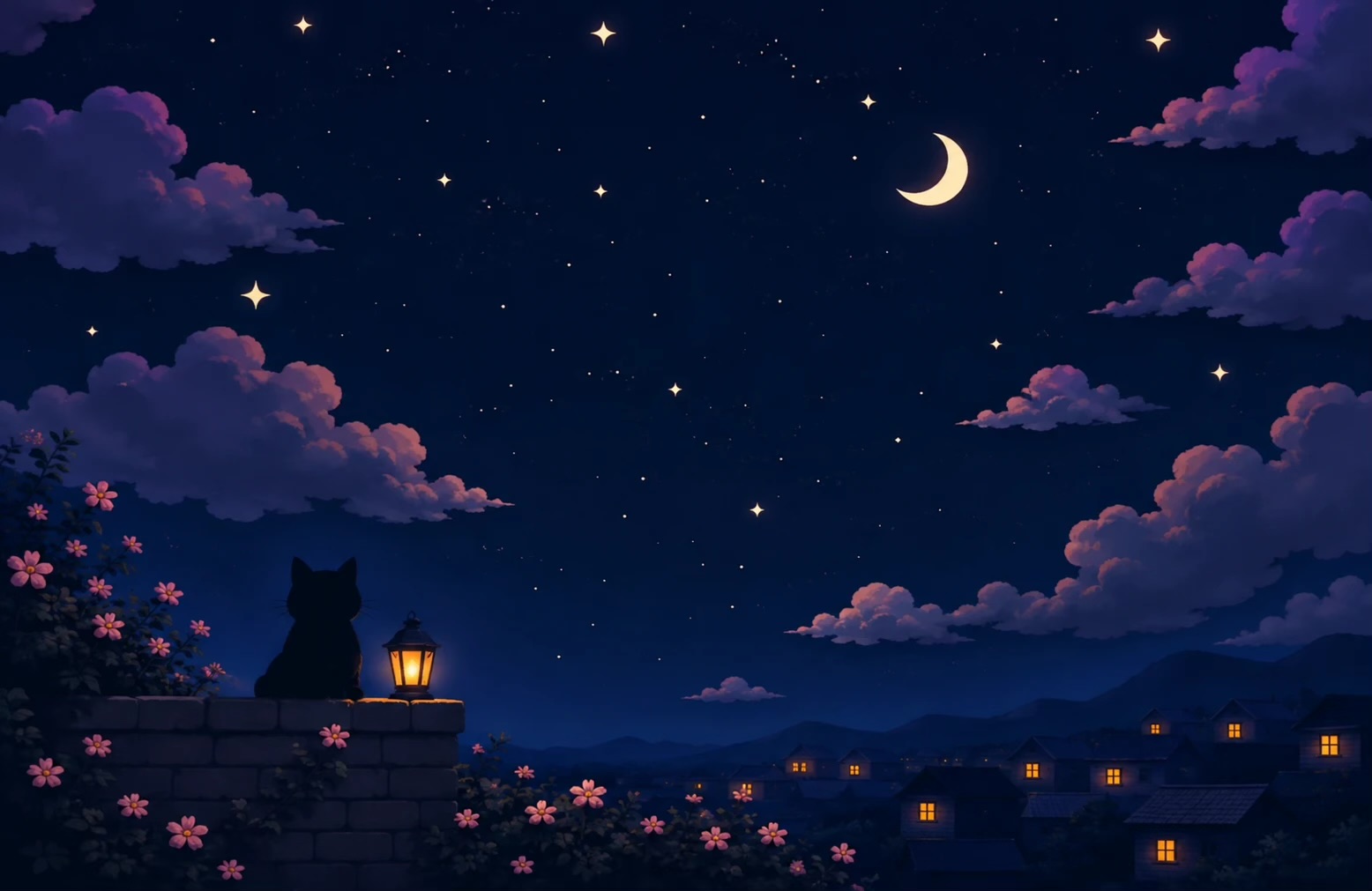
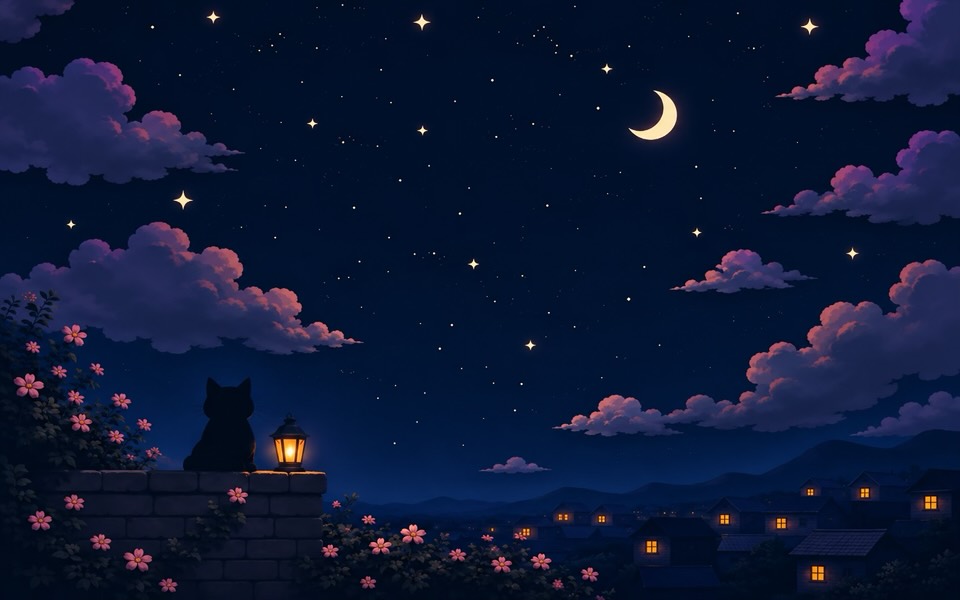
Soft lights drift around and gather where you rest.
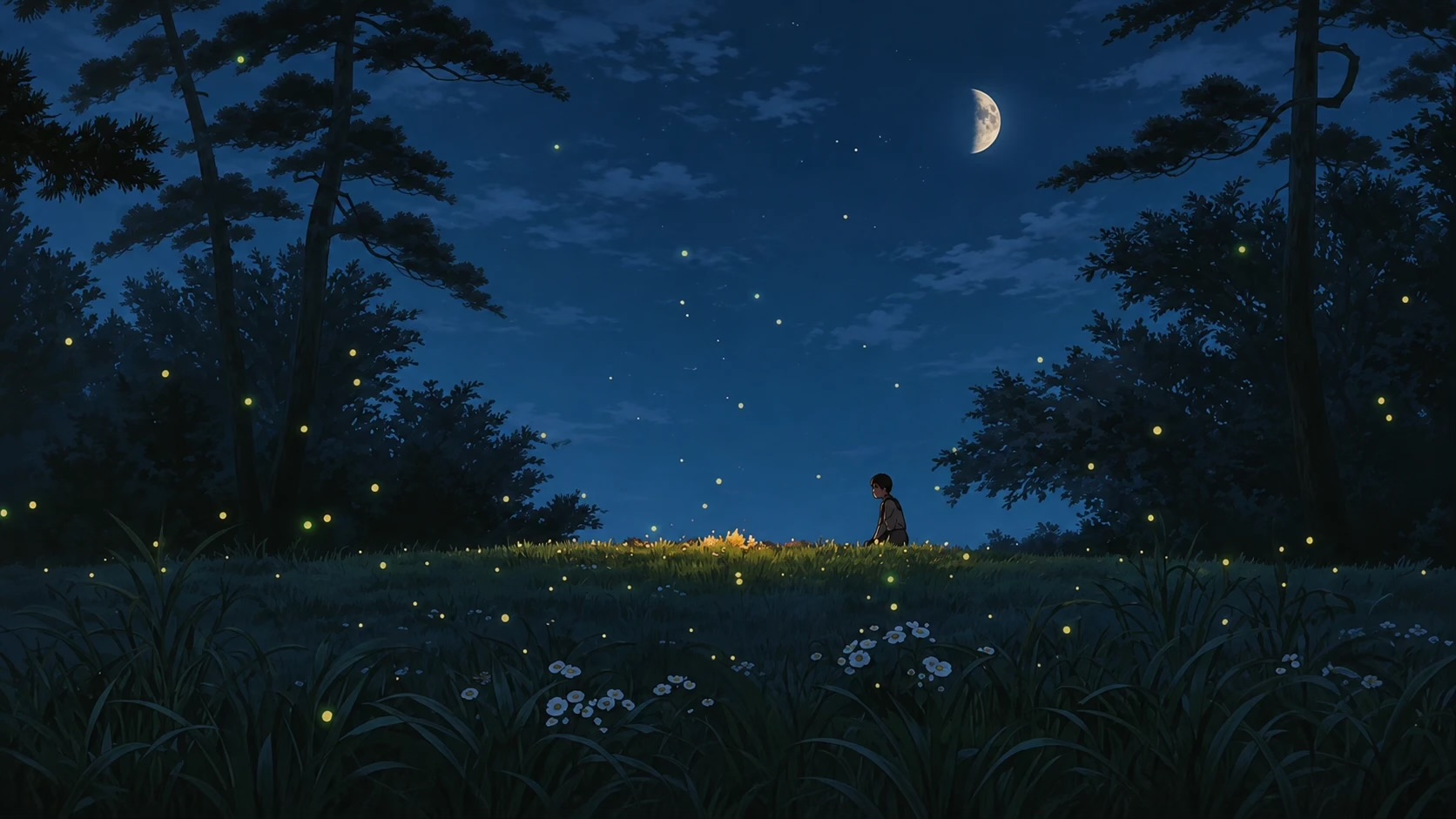
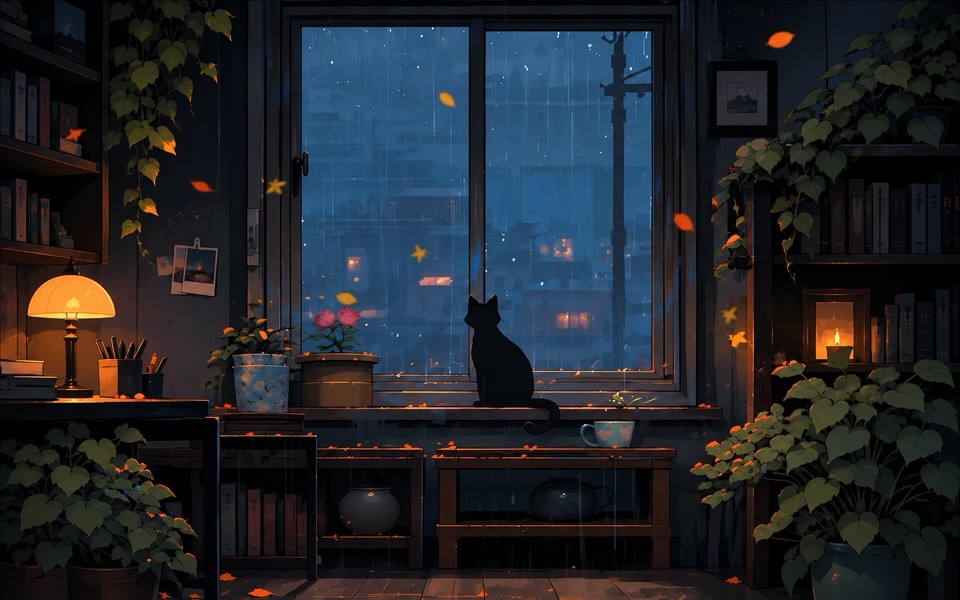

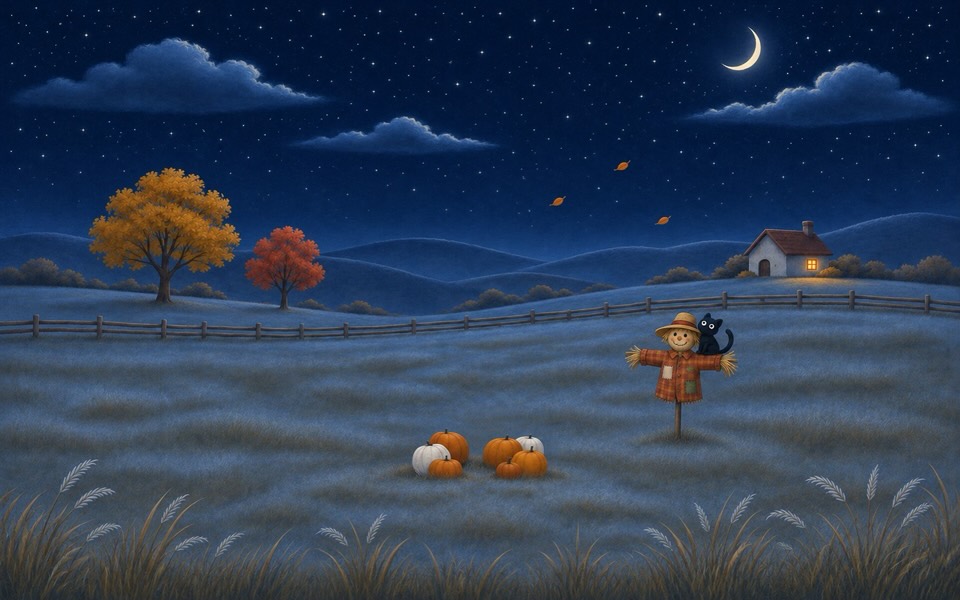

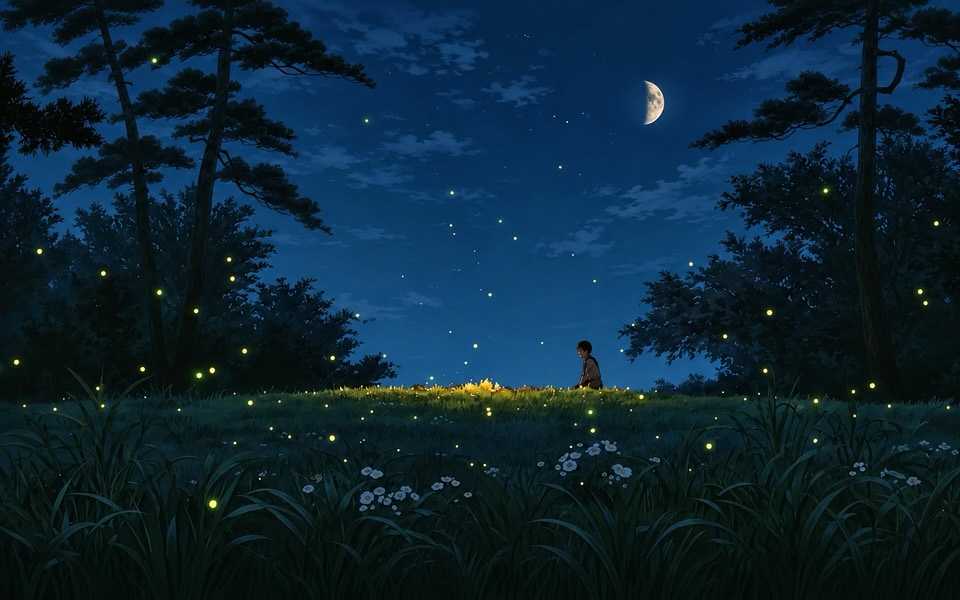


$9 for 1 computer or $12 for 5, Mac or PC. We email you a license key.
Open the app and paste the key from the email. That's it.
Choose an effect and a wallpaper. It lives in your menu bar after that.
Every effect, every wallpaper, every update. No subscription.
1 computer
$9
One-time payment. No subscription.
5 computers
$15$12
One-time payment. No subscription.
macOS 14 or later · Windows 10 or 11
Everything: all six effects, the nine painted wallpapers, the Christmas screen saver and every update after. You pay once, there's no subscription.
Any Mac on macOS 14 Sonoma or newer, Apple silicon or Intel. And any PC on Windows 10 (version 2004 or newer) or Windows 11.
After you pay, we email you a license key. Open the app, paste the key, done.
A $9 key works on 1 computer, a $12 key on up to 5. Macs and PCs both count, so you can mix them. Got a new one? Remove the key from the old one in the app and paste it on the new one.
No, keep your key. Remove it from the old computer in the app and paste it on the new one. Old one gone? Write to support@spacerrs.com.
Search your inbox for "KoiArt license key". Can't find it? Write to support@spacerrs.com from the email you paid with.
No. It draws on the graphics chip, halves the effect on battery and in Low Power Mode, and stops while a full-screen app covers the screen or the screen sleeps.
Always. The effect sits over your screen but every click goes straight to what's under it.
Open KoiArt, go to Wallpapers and click one. It's set on every screen. Turn on Day & night and it changes with the time of day, or keep one time all day.
All sales are final. We only refund if KoiArt doesn't work on your Mac, you tell us within 3 days of buying, and we can't fix it. Write to support@spacerrs.com. Full details on the refund policy page.